ShareOS is a free, open source firmware for the D-Link ShareCenter boxes DNS-320L, DNS-320 and DNS-325.
Current Linux, SMB 3, an app store, a desktop in the browser, a DNS filter for the whole network and signed online updates – for hardware the vendor gave up on.
The D-Link firmware has known remote code execution holes (CVE-2024-3273) and D-Link advises to retire the boxes.
Alt-F kept them alive for years, its last release is from 2017. ShareOS brings them back to a current, maintained state –
without soldering and without a serial console.
Installs from the Alt-F or D-Link web interface
Your disks and data stay untouched
Back to Alt-F from the firmware page at any time
Stock U-Boot, never written
Updates itself from GitHub Releases – signed, checked before anything is written
Features
Everything a home NAS needs – and a store for the rest
The base system stays small. What only some boxes need – media server, torrents, VPN, Paperless – comes from the store.
Storage
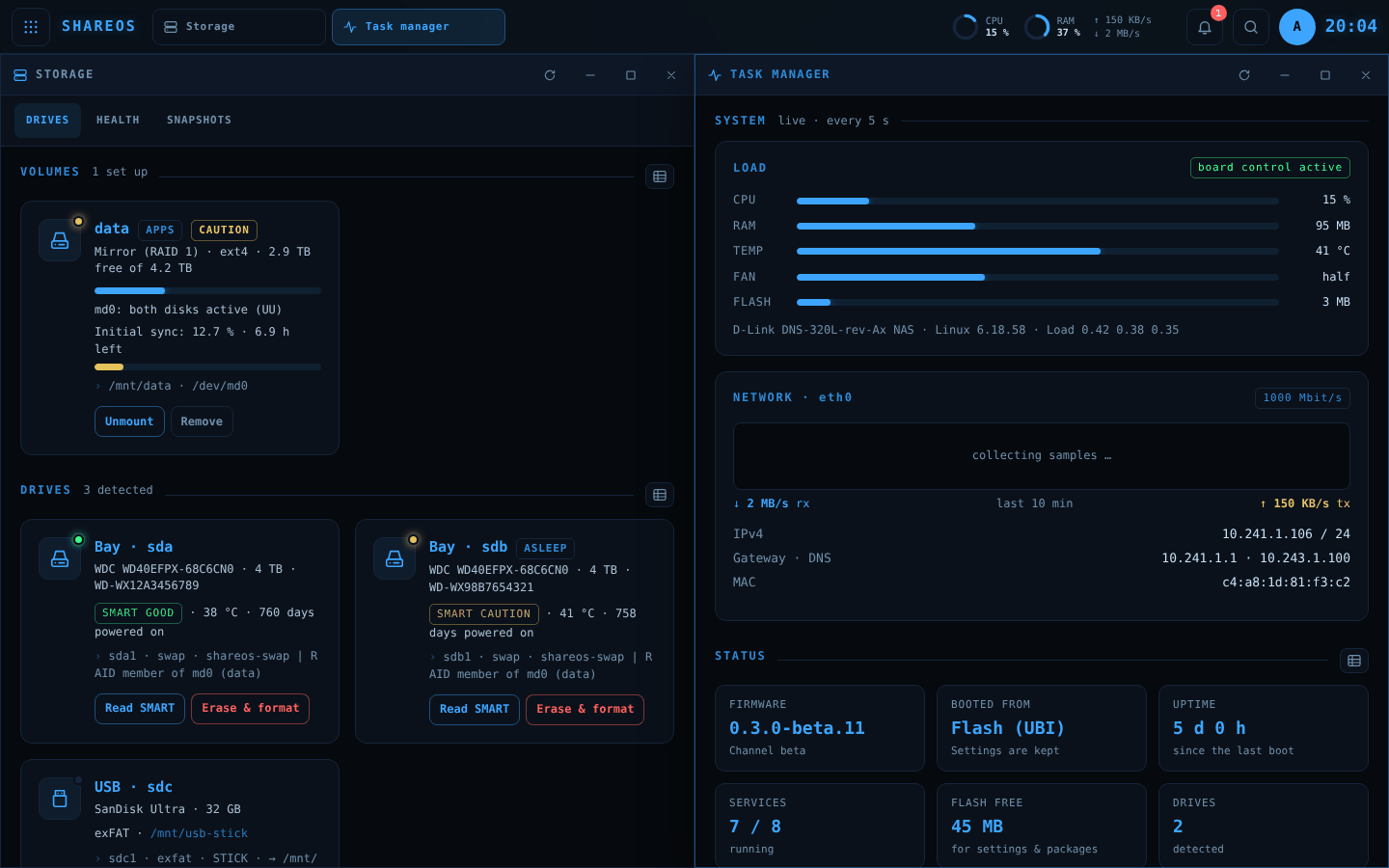
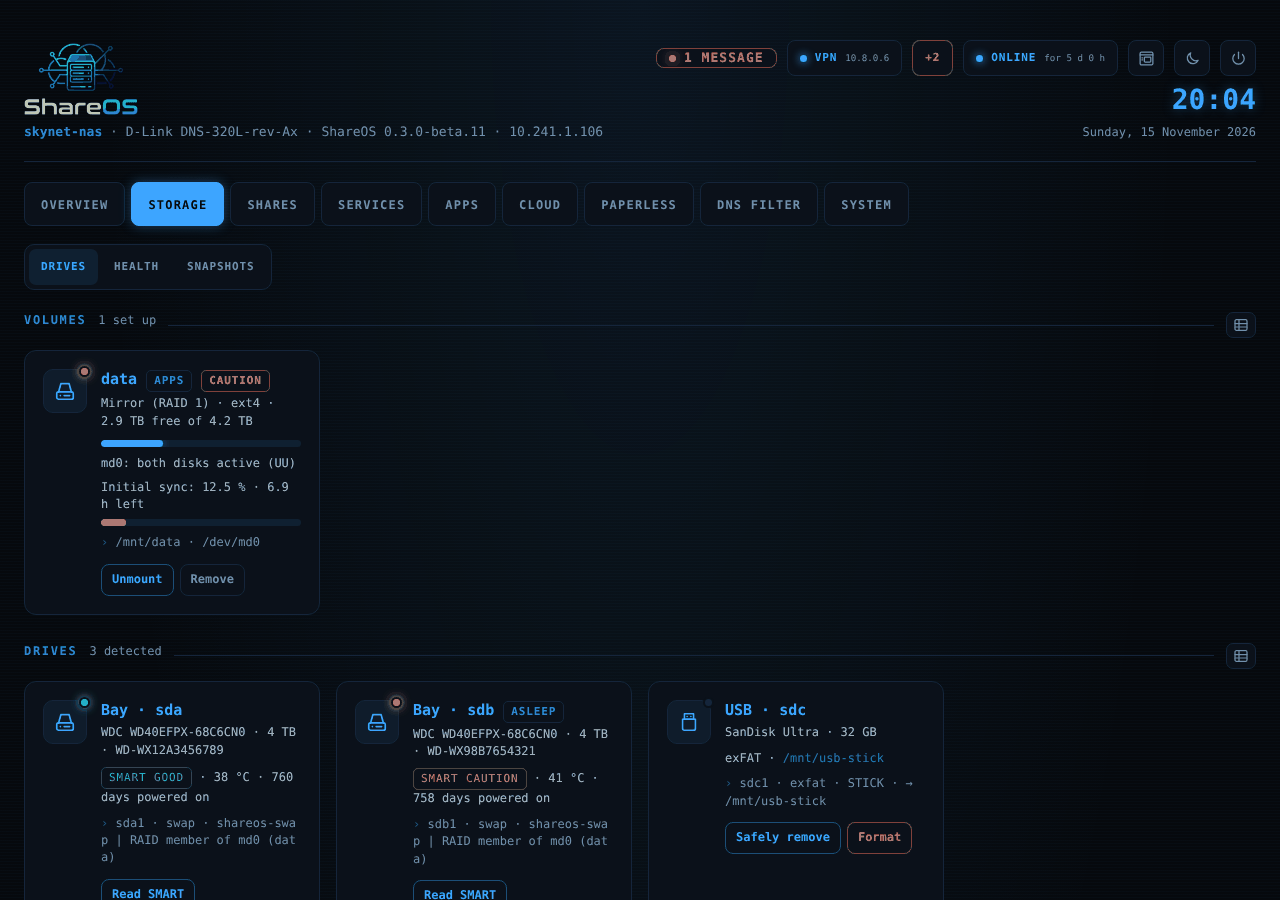
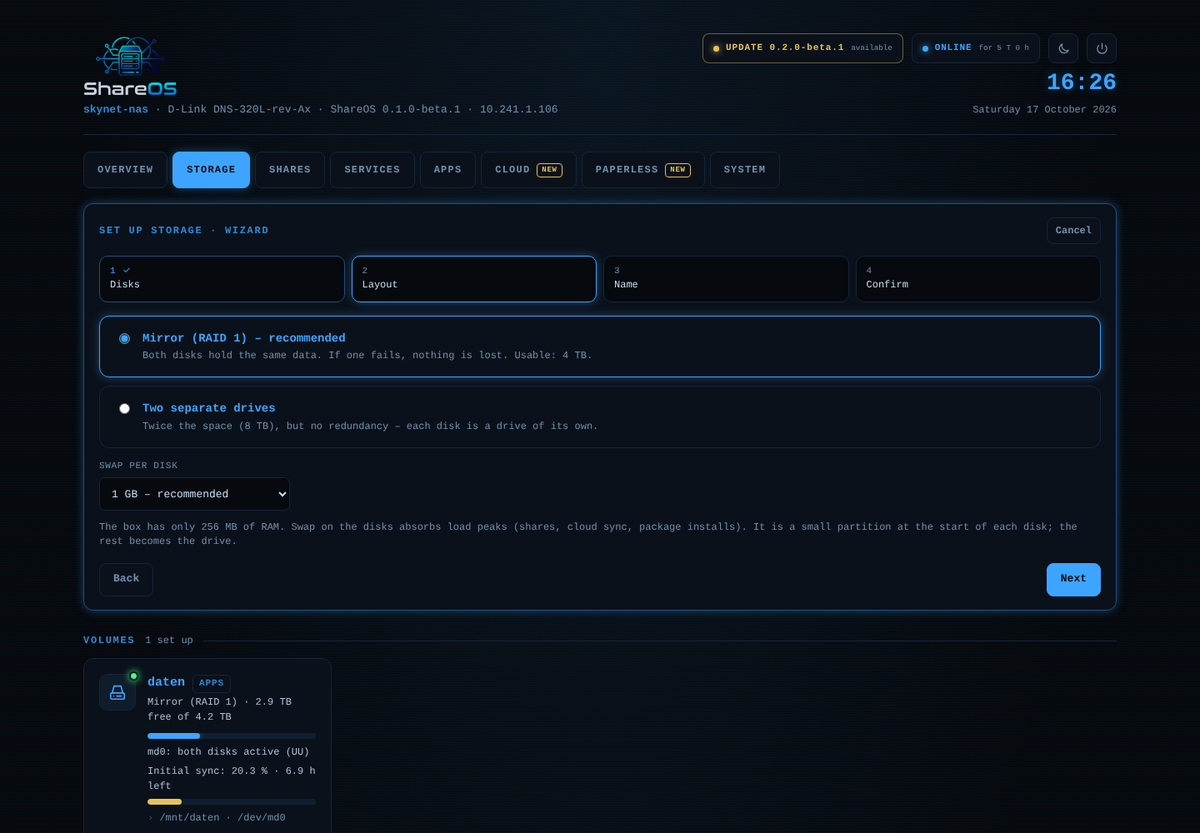
Setup wizard for one disk, a mirror (RAID 1), RAID 0 or JBOD. ext4, Btrfs, exFAT, NTFS. Take over Alt-F disks as they are, snapshots of shares, SMART read by the box itself with self-tests. Sleeping disks stay asleep – also with the storage page open.
Shares
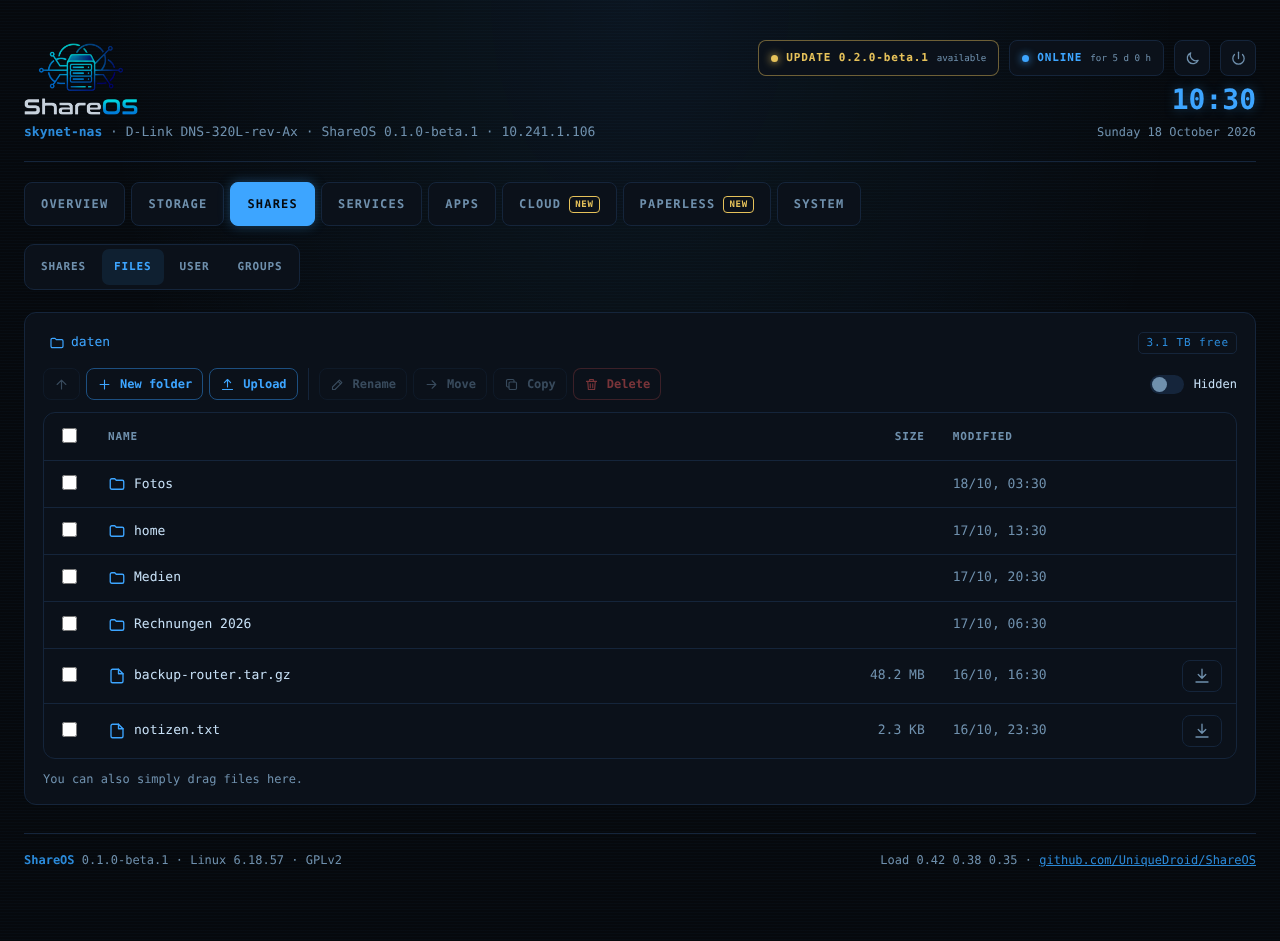
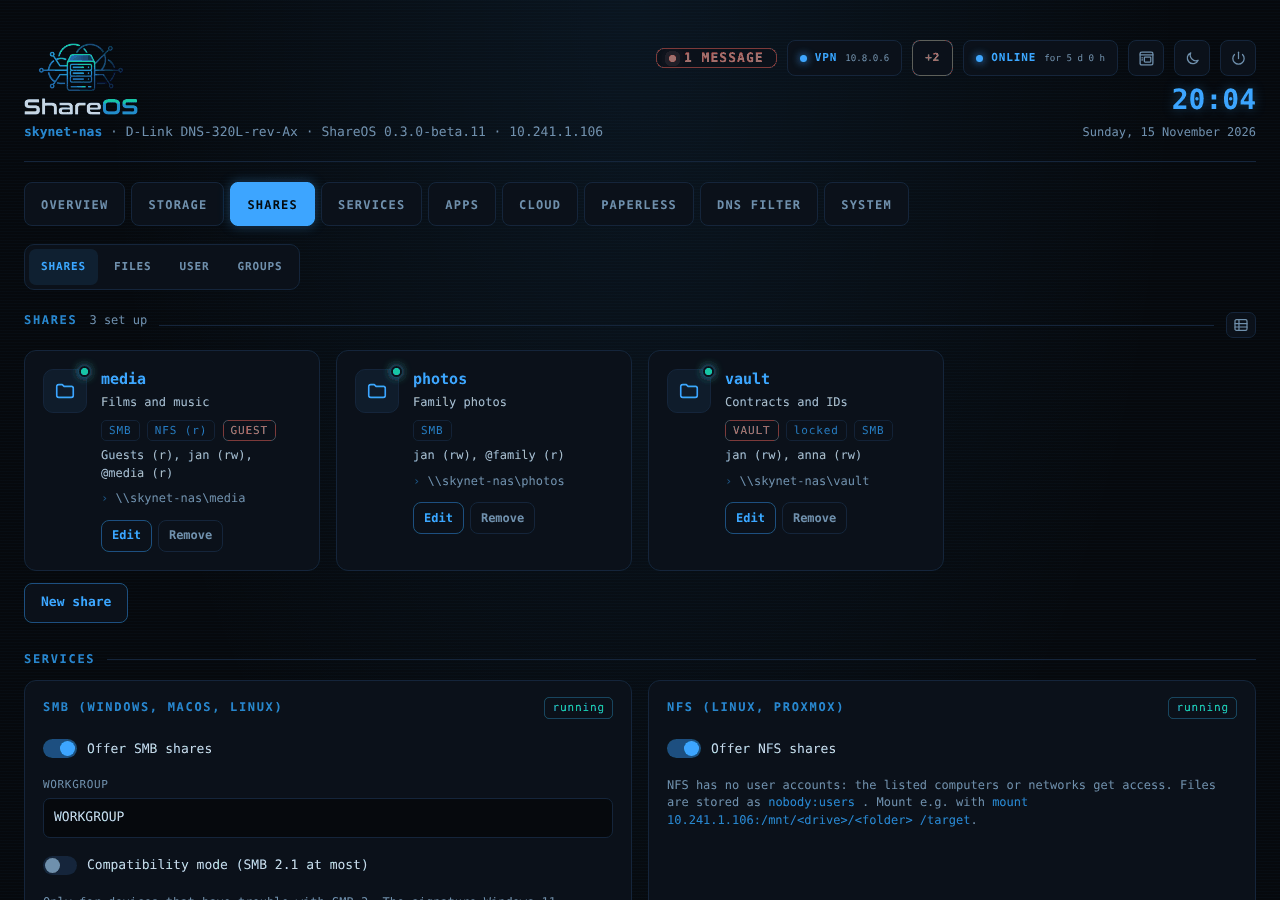
SMB 2/3 through ksmbd with the SoC's crypto engine, NFS v4. Rights per user and group, also as POSIX ACLs, storage limit per user, personal folders. Vault shares: locked and invisible until a user unlocks them with their password – for them only, for a set time.
App store
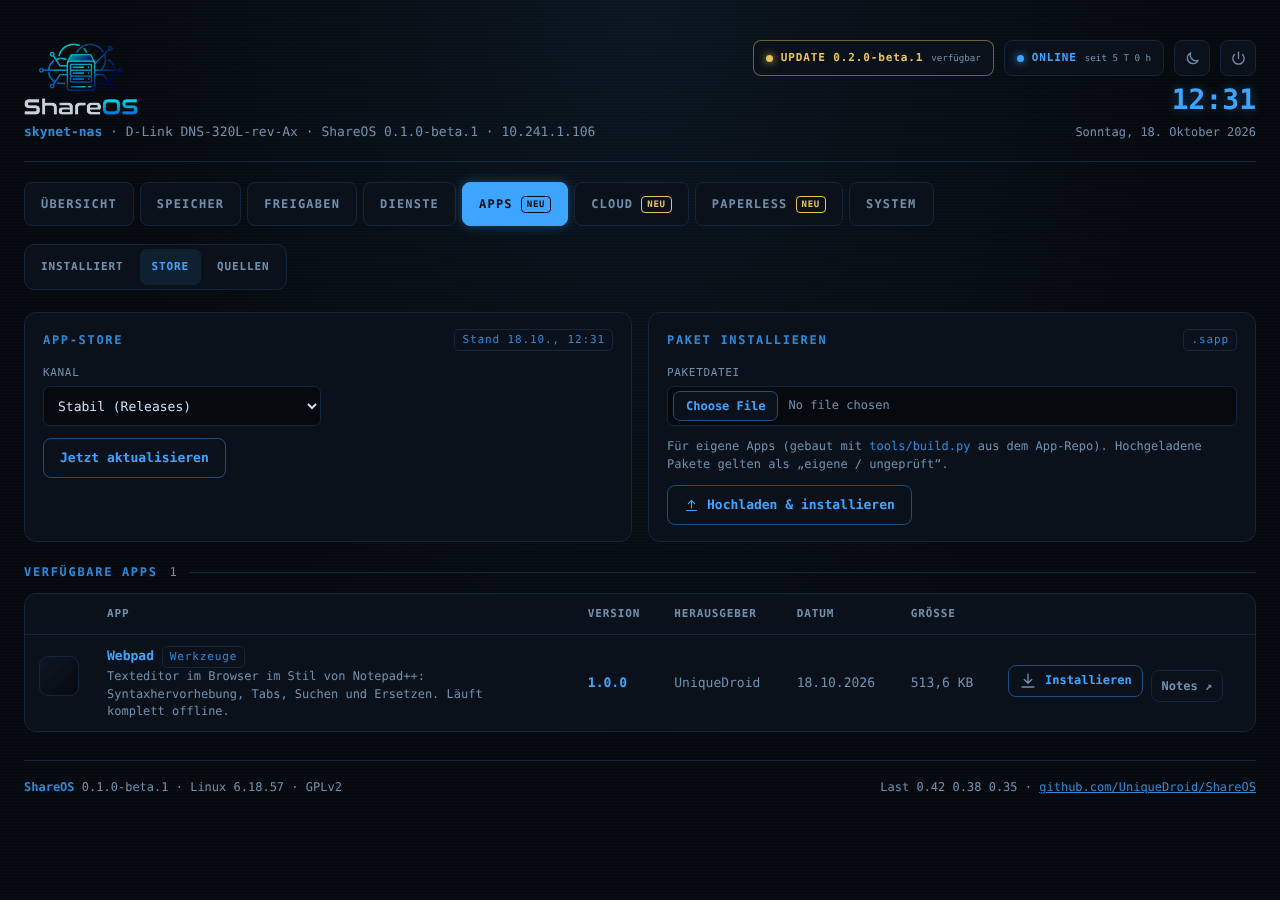
Web apps and native system apps with one click: Transmission (also for remote programs like Transmission Remote GUI), Syncthing, MiniDLNA, FFmpeg, OpenVPN, Tailscale, autobrr, Zabbix agent and more. Apps get only the permissions they declare.
Cloud & Paperless
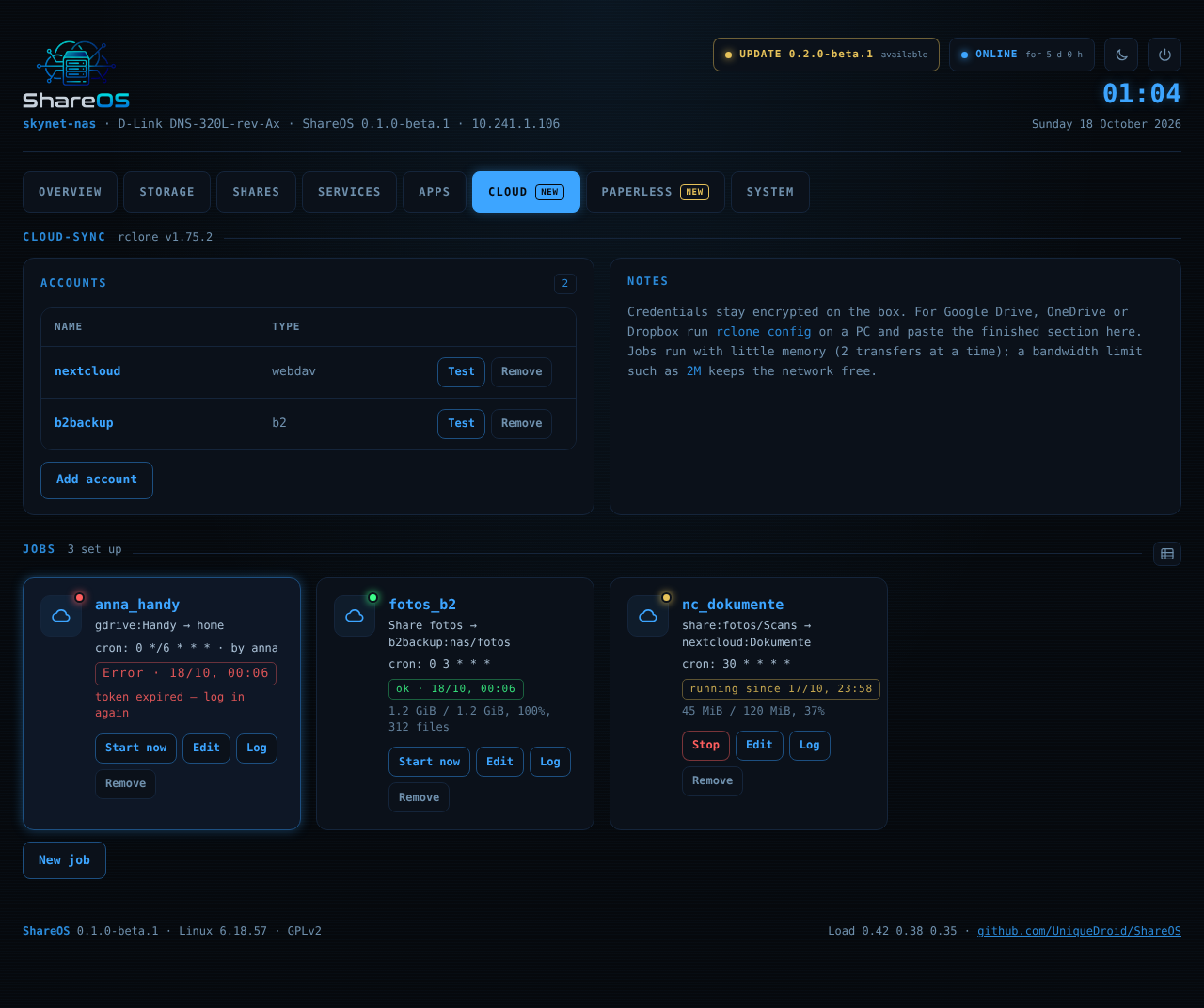
rclone sync with Nextcloud/WebDAV, S3, SFTP, Google Drive and more – for the box and per user. Paperless-ngx inbox folders, e.g. for a scanner. Both are modules from the store: only installed when you need them.
Network & remote
HTTPS with own CA or Let's Encrypt, Dynamic DNS, mDNS name, Tailscale without port forwarding (also behind DS-Lite), VPN client and server.
Security
Current kernel and libraries, kernel hardening, no known password on a new box (claimed with the USB button), no passwords on command lines, rescue SSH only after a press on the USB button, settings backup with optional AES-256. Static analysis and CodeQL on every change.
Signed updates
Online updates from GitHub Releases, checked every 6 hours, with progress. Every release is signed (ECDSA P-256, with a reserve key kept offline); the box installs nothing from GitHub without a valid signature – also not on the first installation. Or upload the update file – no internet needed.
Monitoring
Messages for RAID, SMART, temperature and updates by e-mail, ntfy, Gotify, webhook or Telegram – also when a sensor stops answering. Zabbix agent with a ready template.
Made for the hardware
Fan curve, LEDs, buttons, power schedule with wake-up alarm, browser terminal, light/dark look with eight accent colours, 10 languages.
Desktop view
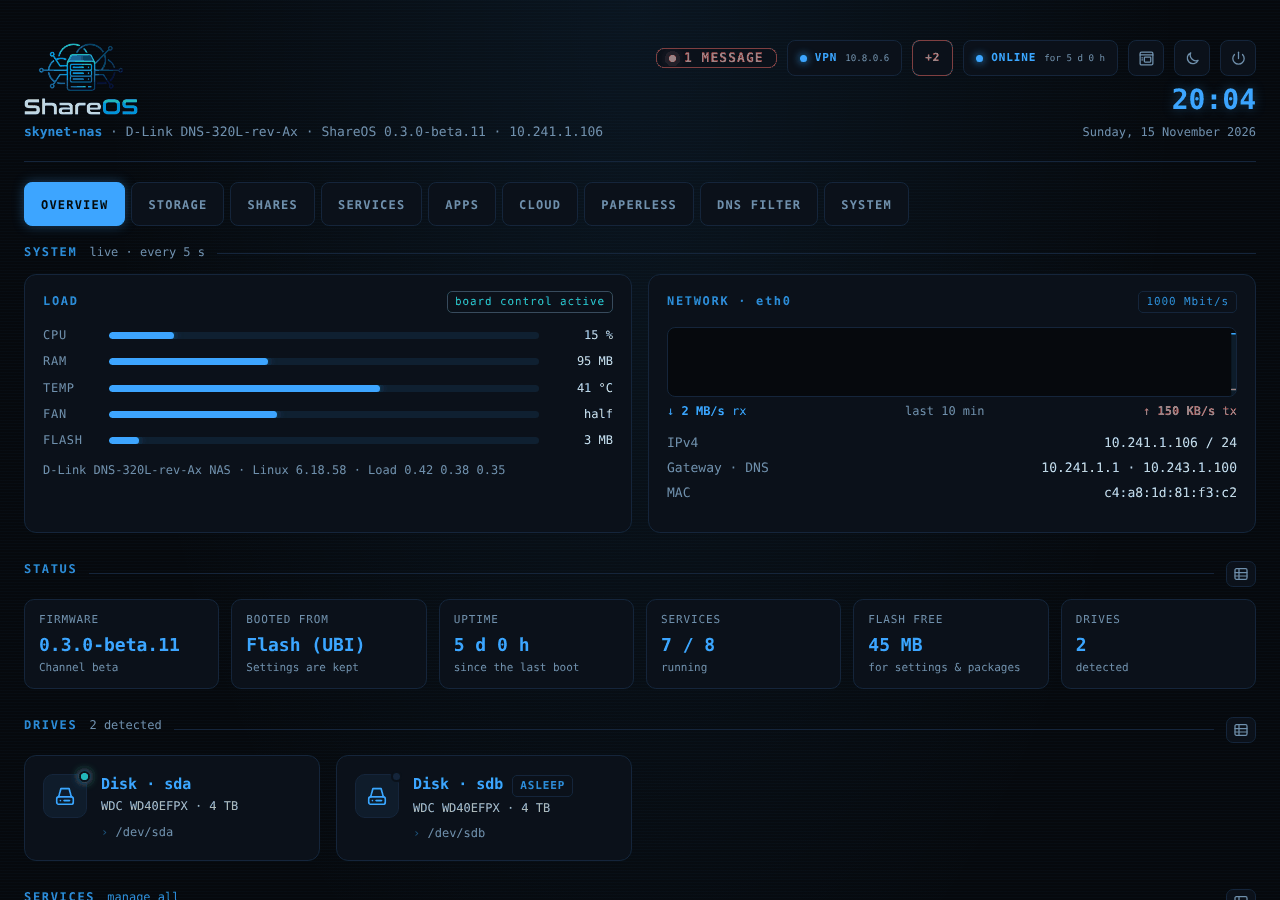
The web interface as a desktop in the browser: icons, start menu with search, windows to move, snap and resize, task manager, control panel and your own wallpaper. The classic view stays – choose on the login page.
DNS filter
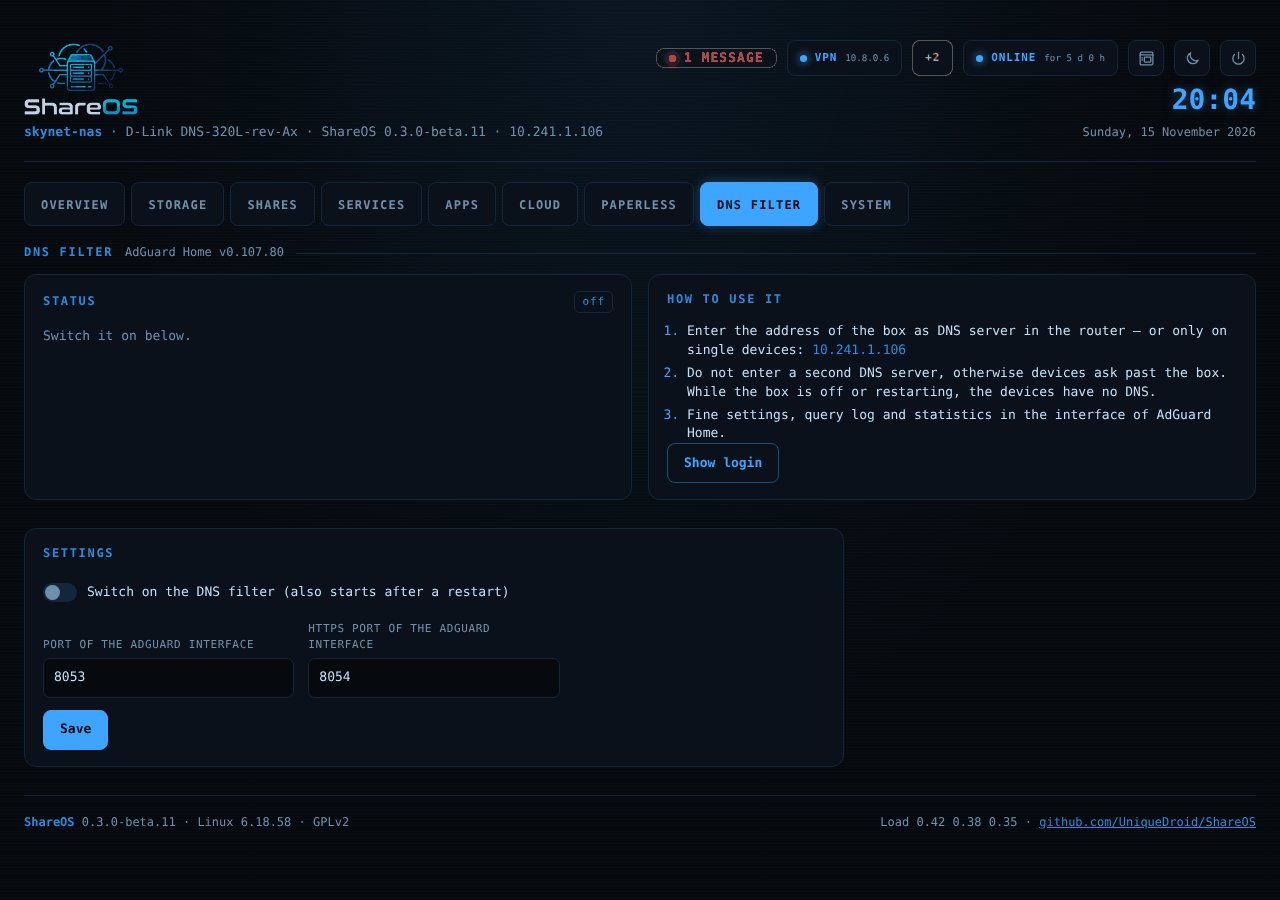
AdGuard Home as a module: blocks ads, trackers and malicious sites for every device in the network, asks the internet encrypted, keeps the box and your local names reachable. Own local entries right on the tab.
Shows what is
Every state is checked against the real process and hardware: services, cloud and media jobs, sleeping disks, the box's own clock, ONLINE/OFFLINE. Restart and power off are refused while an update writes the flash.
The main device, tested on hardware with every release. 256 MB RAM.
DNS-320L-rev-Ax
tested
DNS-320LW rev A2
The white DNS-320L – same board, uses the DNS-320L files.
DNS-320L-rev-Ax
partly tested
DNS-325 rev A
Boots from flash, buttons, LEDs, fan and updates work on rev A1. 256 MB RAM.
DNS-325-rev-Ax
partly tested
DNS-320 rev A
Installs and runs on rev A1; temperature and fan control since 0.3.0-beta.11. More testers welcome. 128 MB RAM.
DNS-320-rev-Ax
testers wanted
DNS-320 rev B
Built with every release, not tested on hardware yet. 128 MB RAM.
DNS-320-rev-Bx
planned
DNR-322L · DNS-327L
The DNS-327L (Armada 370) needs its own kernel and flash layout and a tester.
Have one of the boxes marked “testers wanted”? See Devices & testers – no soldering, no serial console needed.
Install
From Alt-F or the D-Link firmware in six steps
Download from the latest release the two files with your model's name: ShareOS-<version>-<model>.bin and .sysupgrade.tar.
Keep the .bin of your current firmware (e.g. Alt-F) for the way back.
Copy the .sysupgrade.tar to a USB stick (FAT32, exFAT or ext4) and plug it in. Without a stick the box downloads it from GitHub and installs it only with a valid signature.
Flash the ShareOS .bin on the firmware page of Alt-F or of the D-Link interface. Do not cut the power.
Wait: the box installs the system from the stick (orange USB LED blinks fast, a few minutes) and restarts into ShareOS.
Openhttp://<box-IP>/, press the USB button on the front to claim the box, choose the root password and follow the setup wizard. Your disks keep their data.
Back to Alt-F
System → Firmware → Install firmware file → the Alt-F .bin. ShareOS asks once more (the file is not signed by the project), checks it and reads it back after writing.
Step by step with pictures
Details, troubleshooting and the way back to the D-Link firmware: Switching guide · Testing.
All versions are test versions (beta) for test devices. Every file has its .sig (signature) and .sha256. System apps and older releases: GitHub Releases · full history in the changelog.
App store
50+ apps, installed with one click
Web apps from ShareOS-Apps – files and office, media, network, security, development and everyday life – and native system apps built with the firmware. Everyone can submit an app.
Loading the app catalog …
Compared
D-Link firmware, Alt-F and ShareOS on the DNS-320L
D-Link firmware
Alt-F
ShareOS
Last release
1.11, end of life
1.0 (2017)
0.3.0 betas (2026), updated continuously
Linux kernel
2.6.31
4.4 / 4.14 (trunk)
6.18 LTS
Toolchain
uClibc
buildroot 2009.08 fork, GCC 7.4
buildroot 2026.08, GCC 15.3, musl
SMB
Samba 3.x, SMB1
Samba 3.6 (SMB1/2)
ksmbd: SMB 2.1/3
Web interface
ShareCenter UI
shell CGIs
uhttpd + ubus/rpcd, classic or desktop view, light/dark, per user
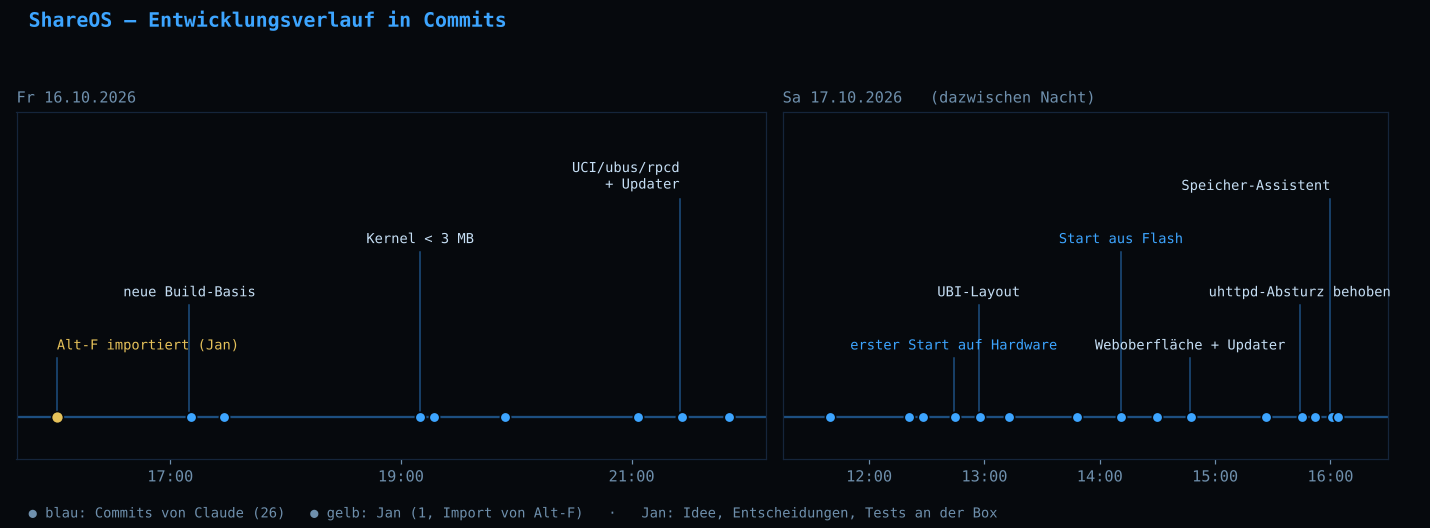
Apart from importing Alt-F, ShareOS was developed by Claude (Anthropic): architecture, all code, builds, tests and docs.
Jan started the project, made the decisions and tested every release on the real hardware.
The timeline documents with timestamps and screenshots how far that goes.